 AuctionGate.io







Auto Auction Software in 2026: What Dealers and Brokers Should Look For
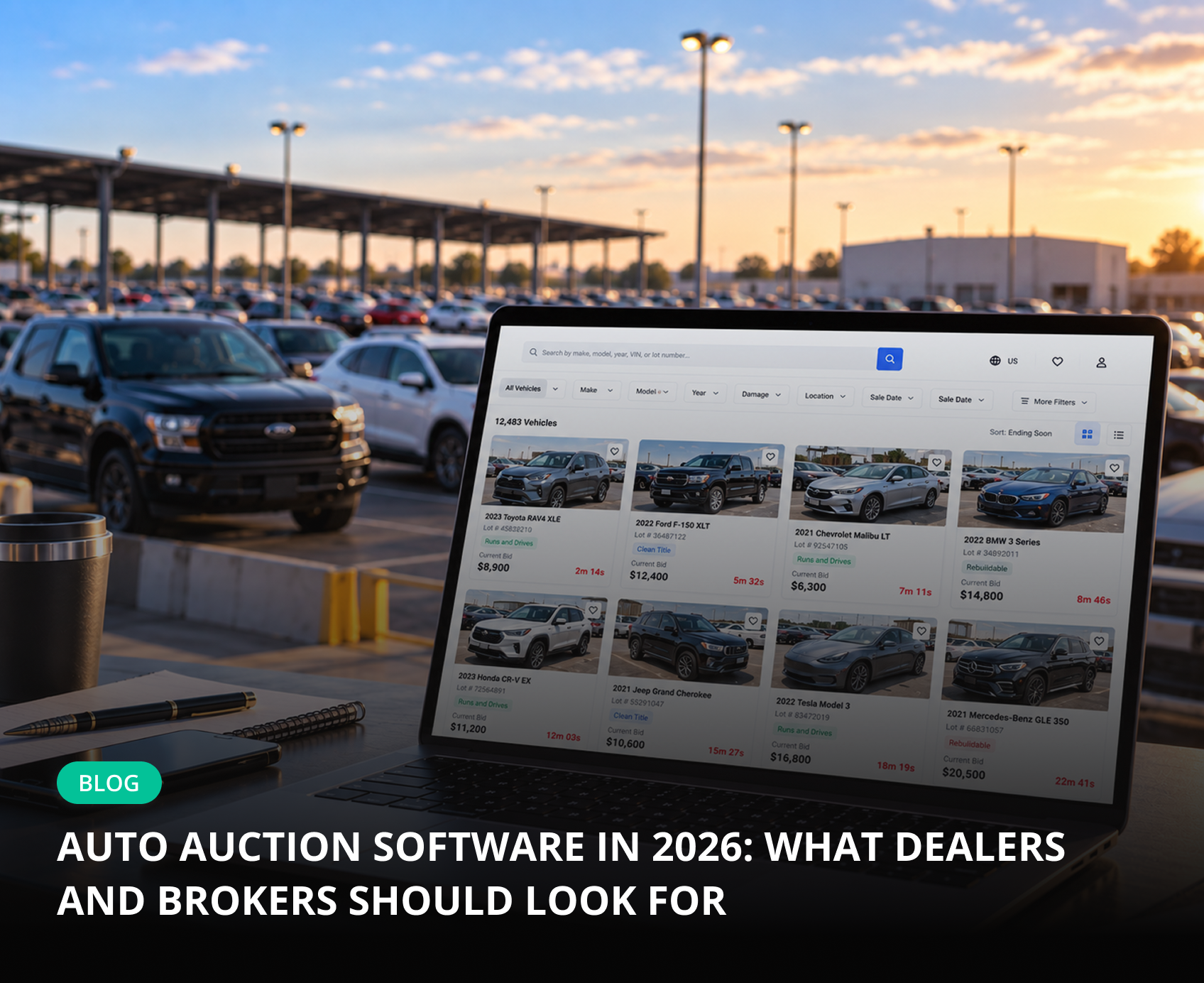
Tuesday night. A broker in Kyiv has 23 clients bidding through one Copart buyer number, and three of them know the password. One just placed a $9,400 prebid on a 2020 Toyota RAV4 XLE that nobody approved. The broker finds out when the invoice arrives. This is usually the moment teams start searching for auto auction software. The catch: half the tools under that search term were built for auction houses, not for the people who buy at them.
- There are two kinds of software: platforms that run auctions and tools that help buyers work on Copart, IAAI and Manheim. Dealers and brokers need the second kind.
- Non-negotiables: a personal login for every client, hard bid limits, individual watch lists, automatic invoices and a full activity log.
- Per-car pricing usually beats per-user pricing once clients become sub-bidders.
- Test any tool on your real accounts during a free trial before you sign.
What Is Auto Auction Software and Who Needs It in 2026
Car auction software is any system that organizes work around vehicle auctions: listings, bidding, payments and reporting. The definition is so broad that Google mixes white-label marketplaces and buyer-side bidding tools on one page. A dealer buying 20 salvage units a month and a broker bidding for clients in Ukraine, Poland or Georgia share one problem: several people need to work on auction accounts without losing control of money and responsibility.
Auction-Running Platforms vs Buyer-Side Tools for Copart and IAAI
The quickest filter is who the software serves:
| Criteria | Auction-running platforms | Buyer-side tools |
|---|---|---|
| Main user | Auction houses, fleet sellers | Dealers, brokers, exporters |
| What it does | Lists cars, runs bidding, collects payments | Connects Copart, IAAI, Manheim accounts and controls who bids and how much |
| Key features | Live streaming, seller portals | Sub-accounts, bid limits, invoices, delivery price lists |
If you buy cars rather than sell them, an auction engine solves the wrong problem. You need auto auction management software that plugs into the marketplaces you already use and adds users, permissions, limits and paperwork on top.
Why Dealers and Brokers Outgrow Shared Logins and Spreadsheets
Every team starts with one buyer number, a shared password, a spreadsheet and a WhatsApp group. It works with two people and breaks at five. Copart and IAAI treat every bid under your buyer number as yours, no matter who typed it. If a client wins and walks away, the relist fee and storage land on your account.
Typical dealer mistake: giving a manager the master password "just for this week". A week later it lives in two browsers, a phone and a client's notes app.
What it costs (estimate): one unpaid $6,000 lot brings a relist fee calculated from the sale price, daily storage after the free period and hours of disputes. Check current Copart and IAAI fee schedules for exact figures. If your margin per car is a few hundred dollars, one default erases the profit from several deals.
Must-Have Features: A Checklist for Dealers and Brokers
Use this list when shortlisting software for auto brokers and dealers, and tick each line during a live demo. If a vendor cannot show a feature on a real lot, assume it is missing.
Feature checklist before you buy:
- Several Copart, IAAI and Manheim accounts in one dashboard
- Personal login for every manager and client
- User roles: owner, supervisor, manager, client
- Hard bid limit per lot, per number of bids and per total amount
- Prebid and live bid rights set per user
- Individual watch list for each client
- VIN history, seller type and reserve price on the lot page
- Automatic invoices and payment tracking
- Delivery price lists linked to yards and ports
- Activity log with IP address and time
- Open API, Chrome extension and mobile app
- Free trial with full access
A tool that covers fewer than nine of these twelve points will keep you tied to a spreadsheet.
Multi-Auction Account Management: Copart, IAAI, Manheim
Growing brokers rarely stay on one buyer number. You need to manage multiple Copart accounts next to IAAI and Manheim and decide which user sees which account. Ask the vendor which auctions support full bidding today and which are view-only, and whether you can limit an account to certain US states.
User Roles, Bid Limits and Client Access Without Sharing Passwords
This is the core of any dealer auction management software. Clear user roles separate the owner, who sees money and settings, from clients, who see only their own lots. A bid limit must be a hard stop enforced by the system, not a number in a chat.
Pro tip: give new clients a low limit and prebid-only rights for two weeks. Raise it after the first invoices are paid on time.
With client access, each client bids on your account under their own login and never sees the master password. Revoking access takes one click.
Lot Data: VIN History, Seller Type and Reserve Price
A manager should see VIN history, past sale prices, seller type and reserve status right on the Copart or IAAI page. A Chrome extension does this best: it also shows the landed cost with delivery and customs before the bid. For exporters, title type and export eligibility matter as much as damage photos.
Invoices, Payment Tracking and Delivery Price Lists
After a win, you have a short payment window before late and storage fees start. The software should build an invoice from auction data, add your fees and delivery, send a PDF and track payment. Personal price lists let you quote each client their own rate, for example $1,150 from Houston to Klaipėda.
Statistics, Reports and API Integrations
Statistics show who viewed a lot, who bid, from which IP and when. Reports by auction, office and manager reveal who brings margin and who brings relist fees. An open API syncs users and purchases with your CRM or logistics system.
Security: How to Protect Your Auction Accounts
A Copart or IAAI account carries a deposit, buying power and payment history. Treat access to it like a corporate card. The main threat is an old password that former staff and clients still remember.
Warning: if a former manager knows your master password, every bid they place is legally yours.
Four rules for account security:
1. Only the owner keeps the master password; everyone else uses personal logins.
2. Enable two-factor authentication on the auction side where it is available.
3. Review the activity log weekly for unusual IP addresses and night bids.
4. Remove access the day a manager leaves or a client stops paying.
Buyer-side software makes these rules routine: every action is tied to a named user, so disputes end with a log entry, not an argument.
Pricing Models: Per Car, Per User or Custom Plans
| Model | How it works | Best for |
|---|---|---|
| Per user | Monthly fee for every login | Small in-house teams |
| Per car | Fee only for purchased vehicles | Brokers with many clients |
| Custom | Negotiated rate | Buyers of 50+ cars a month |
A quick estimate: a broker with 3 managers and 30 clients buys 40 cars a month. At an assumed $30 per seat, that is 33 × $30 = $990 a month. At $15 per car, it is 40 × $15 = $600, and less in a slow month. If your client list grows faster than your volume, per-car pricing scales better. See current plans on the Pricing page.
How to Evaluate Auto Auction Software Before You Buy
Run the trial as a four-step test:
1. Connect real Copart and IAAI accounts and time the setup.
2. Create a manager and two clients with different limits, then try to exceed one.
3. Generate an invoice with delivery from your own price list.
4. Have a client bid from a phone and find that action in the log.
Be honest about fit, too. If you buy two cars a month for yourself and nobody else uses your account, the auction website is enough. If you want to launch your own auction, choose an auction-running platform. Management tools pay off when several people work on your accounts.
How AuctionGate Covers the Checklist: Try It Free for 14 Days
Mistake → Consequence → AuctionGate solution:
- A client overbids → you pay or take the relist fee → hard limits per lot, bid count and total amount, plus prebid and live bid rights per user.
- The master password circulates → anyone can bid in your name → personal logins for every client and manager.
- Two managers buy for one order → double transport costs → every lot is tied to a user on the dashboard, filtered by auction, office and manager.
Full bidding works on Copart USA, IAAI USA and IAAI Canada; Manheim and Korean auctions are view-only for now. Unlimited sub-bidders are included, and you pay per car. See details on AuctionGate — Auction account management.
Next step: connect your accounts in about five minutes and test the whole checklist during a 14-day free trial. Start free with AuctionGate.
Conclusion
The right copart broker software removes shared passwords, enforces limits and turns each win into an invoice automatically. Choose a buyer-side tool, check it against the checklist and test it on real accounts first.
FAQ
Q1: Do I Need a Dealer License to Use Auto Auction Software?
A: No. The software needs no license. Copart and IAAI decide which lots you can bid on based on your account, state and title type. Buyers without a license often work through a broker's account.
Q2: Can Clients Bid on My Copart Account Without My Password?
A: Yes. With client sub-accounts, each client gets a personal login, sees only their own watch list and bids within your limit. The master password stays with you.
Q3: How Much Does Auto Auction Software Cost?
A: It depends on the model: per user, per car or custom. For brokers with many clients, per-car pricing is usually cheaper. AuctionGate bills per car, with custom terms from 50 cars a month.
Q4: Can I Manage Multiple Copart Accounts in One Dashboard?
A: Yes. Buyer-side tools connect several Copart buyer numbers plus IAAI and Manheim, assign them to users and show all bids and purchases in one place.
Q5: Is There a Free Trial of Auto Auction Software?
A: AuctionGate offers 14 days of full access, so you can connect real accounts and test limits, invoices and reports before choosing a plan.